
Bihar RTPS Auto Fill Pro — Installation & User Guide
# Bihar RTPS Auto Fill Pro — Installation & User Guide
Oct 19, 2026 · @Aman
## क्या है यह Extension?
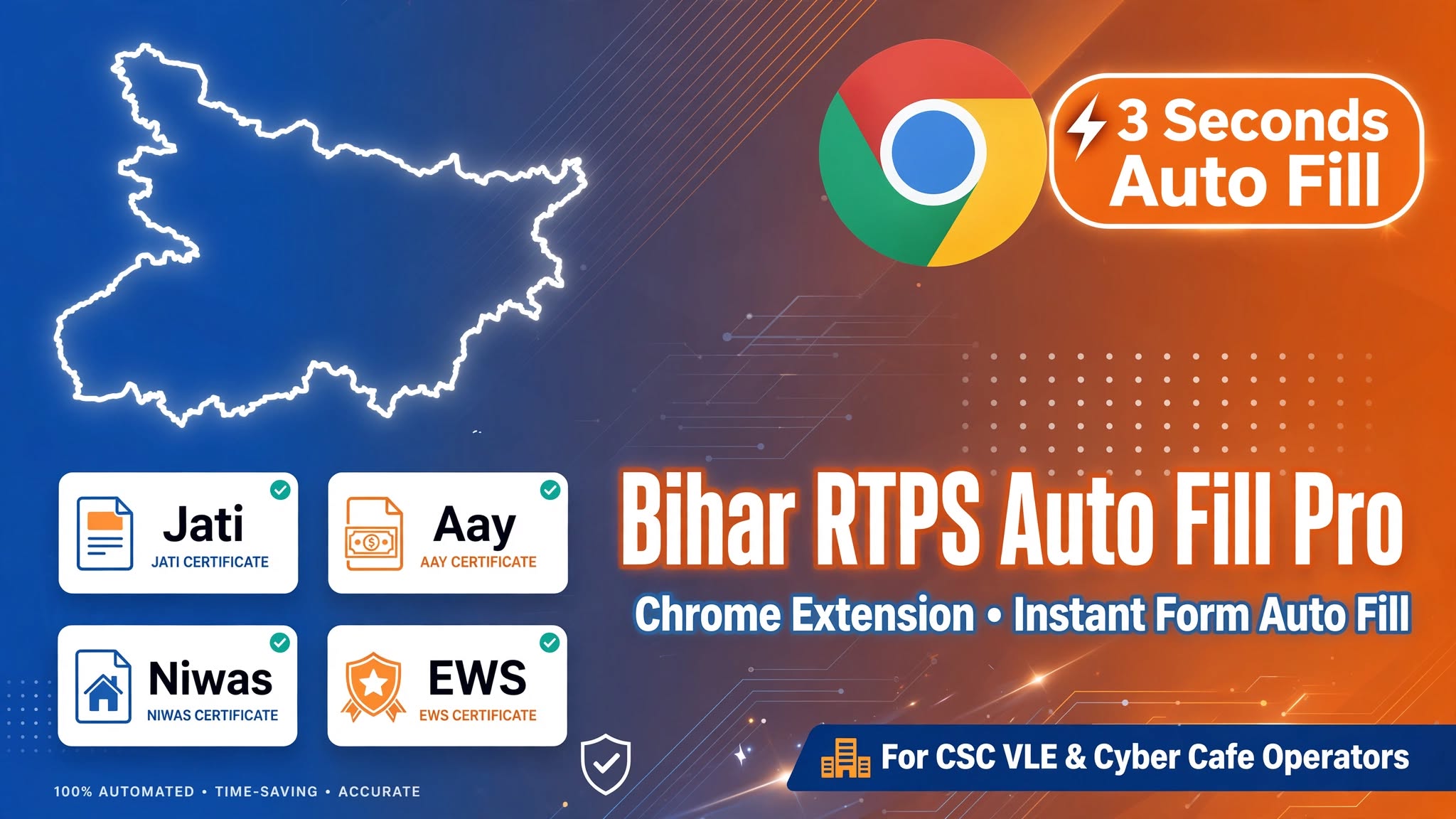
**Bihar RTPS Auto Fill Pro** एक Chrome Extension है जो Bihar RTPS (ServicePlus) portal पर form filling को 3 seconds में complete करता है। CSC VLE operators और cyber cafe operators के लिए built है — Jati, Aay, Niwas, EWS, Character Certificate सभी forms support करता है।
Manifest V3 + Chrome Side Panel API पर built, यह extension unlimited offline profiles store करता है और एक click में multi-step forms fill कर देता है।
---
## System Requirements
| Requirement | Details |
| --- | --- |
| Browser | Google Chrome v88+ (Brave, Edge भी supported) |
| OS | Windows 7 / 8 / 10 / 11 |
| Storage | \~5 MB (extension) + profile data |
| Permission | Chrome Developer Mode enable करना होगा |
---
## Part 1: Installation Manual
### Step 1 — Extension Download करें
Extension का ZIP file नीचे दिए link से download करें:
👉 **Download Link:** https://rtps.earnbro.site/downloads/Bihar_RTPS_AutoFill_Pro_Operator_Build.zip
File save होगी: `Bihar_RTPS_AutoFill_Pro_Operator_Build.zip`
> ⚠️ **Note:** Antivirus कभी-कभी block कर सकता है — यह false positive है। Developer mode extension को Windows suspicious मानता है। Trusted source है, Allow कर दो।
### Step 2 — ZIP File Extract करें
1. Downloaded ZIP file पर **Right Click** करो
2. **"Extract All"** या **"Extract Here"** select करो
3. एक folder बन जाएगा: `Bihar_RTPS_AutoFill_Pro_Operator_Build`
4. Folder खोलो — अंदर `manifest.json` file होनी चाहिए ✅
> ✅ **Important:** Extracted folder को कहीं **permanent location** पर रखो — Desktop, Documents, etc. Install के बाद folder **delete मत करो** वरना extension काम बंद हो जाएगी।
### Step 3 — Chrome में Developer Mode ON करो
1. Chrome open करो
2. Address bar में type करो: `chrome://extensions/`
3. **Enter** दबाओ
4. Page के top-right corner में **"Developer mode"** toggle दिखेगा
5. उसे **ON** करो — blue हो जाएगा ✅
### Step 4 — Extension Load करो
1. `chrome://extensions/` page पर **"Load unpacked"** button click करो
2. File picker खुलेगा
3. Extracted folder select करो: `Bihar_RTPS_AutoFill_Pro_Operator_Build`
4. **"Select Folder"** click करो
5. Extension list में **"Bihar RTPS Auto Fill Pro"** appear हो जाएगी ✅
### Step 5 — Extension Toolbar में Pin करो
1. Chrome toolbar में 🧩 (puzzle piece icon) click करो
2. **"Bihar RTPS Auto Fill Pro"** find करो
3. उसके side में 📌 **pin icon** click करो
4. Extension toolbar में permanently दिखने लगेगी
---
## Part 2: User Usage Guide
### Extension कैसे Open करें
**Method 1 — Toolbar Icon से:** Chrome toolbar में extension icon click करो → Side Panel right side में खुलेगा
**Method 2 — FAB Button (Fastest Method):** serviceonline.bihar.gov.in पर जाओ → Page पर floating ⚡ button दिखेगा → Click करो → Direct auto-fill trigger होगी
### पहली बार Setup — Profile बनाओ
1. Extension open करो → **Profile** tab select करो
2. **"नया प्रोफ़ाइल"** / New Profile button click करो
3. Applicant की details fill करो:
| Field | Example |
| --- | --- |
| नाम (English) | Ramesh Kumar |
| नाम (Hindi) | रमेश कुमार |
| पिता का नाम | Suresh Kumar / सुरेश कुमार |
| माता का नाम | Sunita Devi / सुनीता देवी |
| Date of Birth | 15/08/1995 |
| Caste Category | BC-1 / BC-2 / SC / ST / General / EWS |
| Permanent Address | पूरा पता fill करो |
| District / Block / Panchayat | Dropdown से select करो |
| Certificate Type | जाति / आय / निवास / EWS |
| Apply to Office | CO / SDO / DM |
4. **"सेव करें"** button click करो ✅
### Auto-Fill कैसे करें
1. serviceonline.bihar.gov.in पर जाओ
2. जो certificate चाहिए उसका form open करो
3. Extension side panel में सही profile select करो
4. **"ऑटो-फिल"** button click करो
Extension automatically:
- सभी text fields fill करेगी
- Dropdown cascade handle करेगी (District → Block → Panchayat)
- "Same as Permanent" checkbox auto-check करेगी
- "Apply to Office" field inject करेगी (AJAX fail हो तो भी)
- Successfully filled fields को **green highlight** करेगी ✅
### Auto-Fill Options
| Option | क्या करता है |
| --- | --- |
| केवल खाली भरें | Already filled fields को touch नहीं करेगा |
| Highlight करें | Filled fields को green glow दिखाएगा |
| Auto Scroll | Form scroll करते हुए fill करेगा |
| Hidden Skip | Hidden fields को skip करेगा |
### Profile Management
| Action | कैसे करें |
| --- | --- |
| Profile Edit करो | Profile name click → Edit |
| Profile Delete करो | Delete icon |
| Duplicate / Clone करो | Clone button — same data, new name |
| Favorite Mark करो | ⭐ star icon — top पर आ जाएगा |
| Preview करो | Preview button — submit से पहले check करो |
| Quick Switch करो | Recent chips से instant profile switch |
### Data Backup & Restore
**Single Profile Export:** Profile select करो → **"एक्सपोर्ट"** button click करो → `.json` file download होगी
**Full Backup (All Profiles):** **"सभी एक्सपोर्ट"** button click करो → Single backup file download होगी
**Import (दूसरे PC पर Transfer करो):** **"इम्पोर्ट"** button click करो → Previously exported `.json` file select करो → Profile automatically load हो जाएगा ✅
### UI Settings
| Setting | Location |
| --- | --- |
| Dark / Light Mode | Top-right ☀️ / 🌙 icon |
| Hindi / English Toggle | Settings tab → Language option |
---
## Supported Certificates
| Certificate | Hindi Name | Supported Levels |
| --- | --- | --- |
| Residence | निवास प्रमाण पत्र | CO / SDO / DM |
| Income | आय प्रमाण पत्र | CO / SDO / DM |
| Caste | जाति प्रमाण पत्र | General / EWS / BC-1 / BC-2 / SC / ST |
| EWS | EWS प्रमाण पत्र | CO / SDO / DM |
| Non-Creamy Layer | NCL प्रमाण पत्र | Bihar / Central Govt |
| Character | चरित्र प्रमाण पत्र | SP Office / District Level |
---
## Troubleshooting
| Problem | Solution |
| --- | --- |
| Extension load नहीं हुई | Developer Mode ON है? Folder सही select किया? |
| Folder delete हो गया | फिर से download → extract → Load unpacked करो |
| Dropdown fill नहीं हुआ | RTPS portal fully load होने दो, फिर auto-fill करो |
| Auto-fill button काम नहीं | Page refresh करो, extension reload करो |
| "Apply to Office" blank है | Profile में office value save है? Check करो |
| Extension गायब हो गई | chrome://extensions/ → Enable toggle ON करो |
| Chrome update के बाद गई | फिर से "Load unpacked" करो — same folder |
---
## Pro Tips (CSC VLE / Cyber Cafe Operators के लिए)
- **Family Profiles बनाओ:** Ek family के सभी members के लिए अलग profiles — Duplicate feature use करो base profile से
- **⭐ Favorites use करो:** Regular customers mark करो — हमेशा top पर रहेंगे, time save होगा
- **Weekly Backup लो:** "सभी एक्सपोर्ट" से USB पर backup रखो हमेशा
- **"केवल खाली भरें" ON रखो:** Partial forms में existing data safe रहेगा
- **FAB Button fastest method है:** Side panel open करने की भी ज़रूरत नहीं, direct portal पर click
---
## Download & Support
📥 **Download Extension:** https://rtps.earnbro.site/downloads/Bihar_RTPS_AutoFill_Pro_Operator_Build.zip
🌐 **Telegram:** https://t.me/amanprojects_ops
📺 **Video Tutorial:** SafeBanda YouTube Channel पर देखें


